Jason Edwards
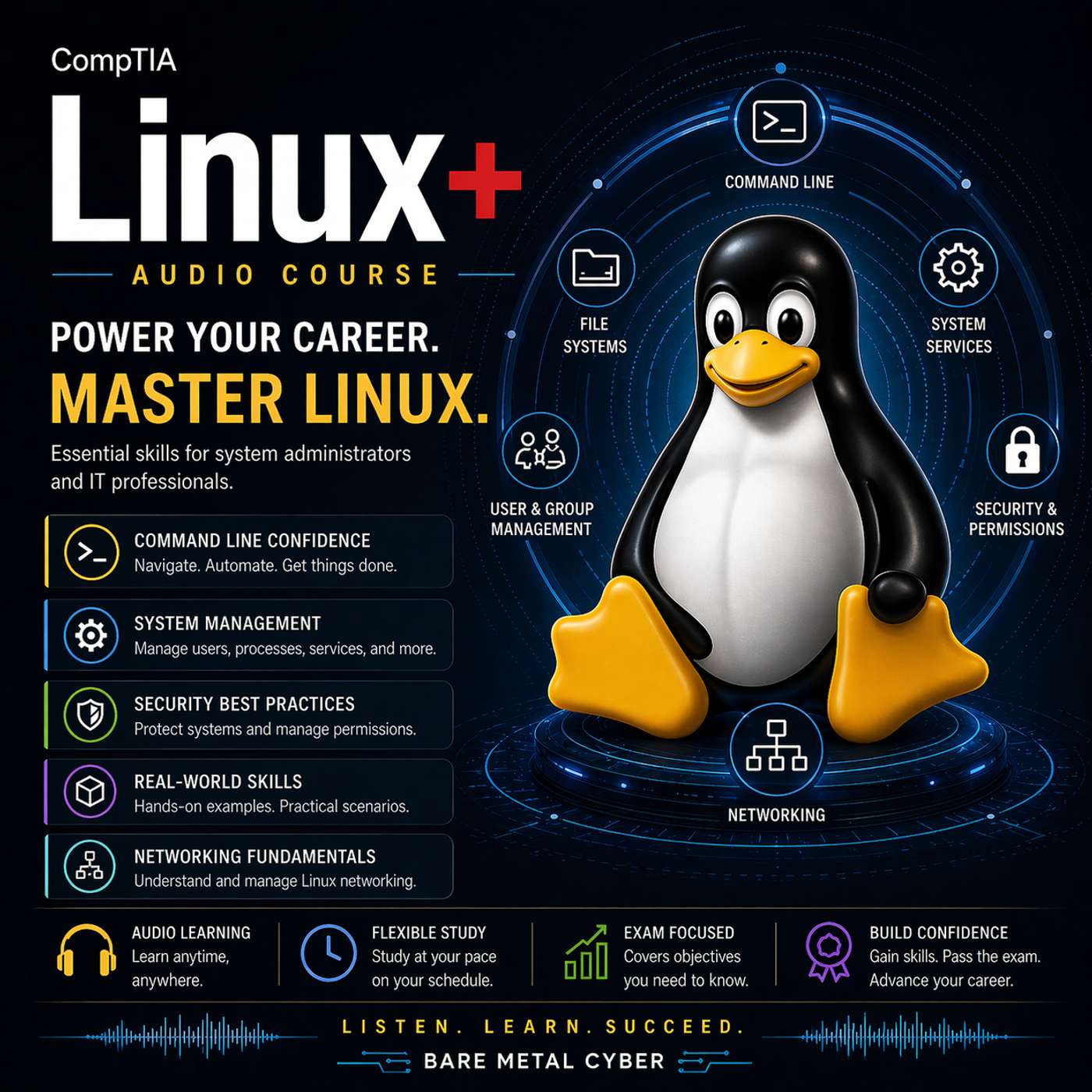
Certified: The CompTIA Linux+ Audio Course
Linux+ for People With Jobs is a practical, audio-first course that teaches you to think and work like a real Linux administrator—without burying you in theory or trivia. You’ll learn the commands, concepts, and workflows the exam expects, but more importantly, you’ll build the habits that keep systems stable in production: verifying assumptions, making safe changes, and troubleshooting with a calm, repeatable process. Every episode is designed to help you study efficiently, retain what matters, and walk into the exam with confidence that actually transfers to the job.
Where to listen?
Podcasts in the app Replaio Radio Coming soonPodcasts are coming to the app soon. Install now and be the first to see a whole new take on podcasts
 Install for free
Android 5M+ downloads · 4.8 rating
iOS soon
Install for free
Android 5M+ downloads · 4.8 rating
iOS soon
Episodes
Episode 31 — VM storage and lifecycle: images, snapshots, migrations, and network modes 07.02.2026 20:29
Linux+ covers VM storage and lifecycle because operating virtual machines responsibly requires understanding how state is stored, preserved, and moved. This episode explains VM disk images as the persistent backing store for a guest, and it clarifies how snapshots capture point-in-time state for rollback or testing without being a substitute for backups. You’ll learn how exam questions describe li...
Episode 30 — Virtualization basics: KVM/QEMU, VirtIO, and where performance comes from 07.02.2026 14:45
Virtualization is on Linux+ because it’s common in modern infrastructure and because performance and compatibility often hinge on a few core concepts. This episode introduces KVM and QEMU as the foundational pieces that enable Linux hosts to run virtual machines efficiently, and it explains VirtIO as the paravirtualized device model that improves performance by reducing emulation overhead. You’ll...
Episode 29 — Backups without labs: archive vs sync vs image, restore validation thinking 07.02.2026 14:01
Linux+ tests backup concepts because administrators are expected to protect systems even when tooling varies across environments. This episode explains three backup categories in practical terms: archives bundle selected files and preserve metadata for portability, sync approaches mirror directory trees and prioritize ongoing change tracking, and images capture whole disk or volume states for rapi...
Episode 28 — Text processing decision drill: grep, awk, sed, sort, uniq, cut, xargs in context 07.02.2026 14:41
Linux+ expects you to choose the right text tool quickly, because administration is often “read a file, extract signals, transform output, feed a command.” This episode frames common text utilities by intent: grep finds patterns, cut extracts fields, sort orders data, uniq summarizes duplicates, awk interprets structured text, sed applies stream edits, and xargs turns output into arguments for ano...
Episode 27 — Redirection and pipes: how data flows through stdin, stdout, stderr 07.02.2026 13:53
Redirection and pipelines are core Linux+ skills because they show whether you can control data flow rather than manually copy outputs. This episode explains stdin, stdout, and stderr as separate streams with different purposes, and it shows how redirection changes what happens to output and errors in both interactive and automated contexts. You’ll learn why the exam cares: many questions test whe...
Episode 26 — Shell environment essentials: PATH, HOME, PS1, and startup files 07.02.2026 14:33
Linux+ tests shell environment knowledge because many “command not found” and “works for one user but not another” scenarios are really environment problems. This episode explains the environment as the context that shapes command behavior: PATH controls how executables are found, HOME anchors user-relative paths and config locations, and PS1 influences prompts but also signals which shell and con...
Episode 25 — Interface configuration concepts: NetworkManager vs Netplan, what changes where 07.02.2026 15:29
Linux+ includes interface configuration because different distros manage network settings differently, and mistakes often persist across reboot in ways that confuse troubleshooting. This episode introduces NetworkManager and Netplan as two common approaches to expressing network intent, applying it via underlying components, and maintaining persistent configuration. You’ll learn to read exam quest...
Episode 24 — Network tools by intent: test connectivity, inspect sockets, capture packets 07.02.2026 15:01
Linux+ does not reward knowing every flag; it rewards knowing which tool to pick based on the question’s intent. This episode organizes network tools into three roles: connectivity tests that prove reachability and latency characteristics, socket inspection that proves what is listening and where traffic is going, and packet capture that shows what is actually on the wire when the other two are in...
Episode 23 — Name resolution internals: hosts, resolv.conf, nsswitch.conf, failure modes 07.02.2026 15:41
Name resolution is a high-yield Linux+ topic because many “network outages” are actually identity lookups failing at the client. This episode explains name resolution as a layered decision process: the system chooses a lookup order, checks local sources, queries configured DNS servers, and returns an answer that applications then use for connections. You’ll learn why files like hosts, resolv.conf,...
Episode 22 — Network troubleshooting workflow: link → IP → route → DNS → service bind 07.02.2026 13:44
Linux+ network questions are easier when you use a consistent workflow that prevents you from skipping layers. This episode teaches the link → IP → route → DNS → service bind sequence as a repeatable diagnostic path: confirm the interface is up and negotiating correctly, confirm the host has a valid IP configuration, confirm routing can reach the target network, confirm name resolution returns the...
Episode 21 — Capacity vs inodes: disk full when it isn’t, and the mental checklist 07.02.2026 15:34
Linux+ frequently tests “disk full” scenarios because the correct answer depends on what is actually exhausted. This episode explains capacity versus inodes as two separate resources a filesystem can run out of: capacity is the storage space for data blocks, while inodes are the metadata objects that represent files and directories. When inodes are exhausted, you can see “No space left on device”...
Episode 20 — Network mounts overview: NFS vs SMB/Samba and what symptoms look like 07.02.2026 17:38
Network mounts are on Linux+ because they test whether you can reason about shared storage as a service dependency, not just a directory. This episode explains NFS and SMB/Samba as two approaches to file sharing with different integration patterns, authentication expectations, and failure behaviors. You’ll learn exam-focused distinctions: how Linux clients typically consume each protocol, what “se...
Episode 19 — Mount options that matter: security and stability tradeoffs 07.02.2026 17:18
Linux+ questions often use mount options as the subtle detail that explains why a system is secure, fragile, fast, or failing. This episode introduces mount options as policy controls applied at the filesystem boundary, affecting execution, device handling, access times, ownership behaviors, and how the system reacts under error conditions. You’ll learn why mount options matter on the exam: they a...
Episode 18 — Mounting mastery: fstab, transient mounts, and avoiding boot-time surprises 07.02.2026 15:47
Mounting is an essential Linux+ skill because Linux presents storage through the directory tree, and mounting mistakes are a common cause of boot failures and data confusion. This episode teaches mounting mastery by separating transient mounts from persistent mounts, then showing how /etc/fstab becomes the contract that defines what should mount at boot and how. You’ll learn why the exam cares abo...
Episode 17 — RAID basics for Linux+: what it protects, what it doesn’t, status thinking 07.02.2026 18:22
RAID is tested on Linux+ because it’s a classic reliability topic that can be misunderstood in dangerous ways. This episode clarifies what RAID is for: combining disks to improve redundancy, availability, or performance depending on the level, and presenting that combination as a logical device the OS can use. You’ll learn the exam-critical distinction between protection against a disk failure ver...
Episode 16 — LVM part 2: grow, extend, resize safely, and common failure patterns 07.02.2026 16:43
Linux+ expects you to understand that “making storage bigger” is usually a sequence across layers, and LVM is where that sequence is most visible. This episode focuses on safe growth workflows: adding capacity to the pool, extending a logical volume, and then resizing the filesystem so the OS and applications can actually use the space. You’ll learn how to think about each step as a checkpoint wit...
Episode 15 — LVM part 1: PV, VG, LV concepts and why LVM exists 07.02.2026 17:33
Logical Volume Manager (LVM) is a recurring Linux+ topic because it represents modern storage management: flexible allocation, online growth, and abstraction that makes systems easier to evolve safely. This episode defines the core objects—physical volumes (PVs) as prepared disks or partitions, volume groups (VGs) as pooled capacity, and logical volumes (LVs) as the consumable slices presented to...
Episode 14 — Filesystems in practice: ext4 vs xfs vs btrfs vs tmpfs, when and why 07.02.2026 20:23
Linux+ tests filesystem knowledge because different filesystems imply different behaviors under load, different recovery options, and different best practices for growth and snapshots. This episode compares ext4, xfs, btrfs, and tmpfs in practical terms, focusing on why an administrator would choose one over another and how those choices change troubleshooting. You’ll learn the exam-level characte...
Episode 13 — Partitioning decisions: MBR vs GPT, growth, identifiers, verification 07.02.2026 18:36
Partitioning shows up on Linux+ because it blends design choices with operational consequences, and the exam likes to test whether you understand the tradeoffs rather than just the names. This episode compares MBR and GPT as partition table approaches that affect scalability, resilience, and compatibility, and it explains why modern systems often prefer GPT while legacy compatibility can still mat...
Episode 12 — Storage mental model: block devices → partitions → filesystem → mount 07.02.2026 18:54
Storage questions on Linux+ are easier when you treat storage as a layered model rather than a pile of commands. This episode builds the foundational chain: block devices provide raw capacity, partitions or logical volumes carve it into usable segments, filesystems organize data structures on top, and mounts attach those filesystems into a single directory tree. The exam frequently tests your abil...
Episode 11 — initrd tools and custom hardware contexts: embedded and GPU use cases 07.02.2026 18:57
Linux+ includes initrd/initramfs concepts because early boot is where “it worked yesterday” becomes “it can’t find root” after a kernel, driver, or storage change. This episode explains initrd tools as the mechanisms that assemble an early userspace tailored to your environment, packaging the modules and scripts required to detect hardware, initialize devices, and mount the real root filesystem. Y...
Episode 10 — Hardware discovery mindset: CPU, memory, devices, and what looks wrong 07.02.2026 15:57
Linux+ expects you to reason about hardware through the lens of symptoms and system reports, not through brand-specific knowledge. This episode teaches a hardware discovery mindset: start with what the OS believes is present, compare it to what should be present, then ask whether the discrepancy is detection, driver, configuration, or resource exhaustion. You’ll focus on the core categories tested...
Episode 9 — Kernel modules: what they are, when they load, how to reason about them 07.02.2026 14:57
Kernel modules matter on Linux+ because they explain how Linux supports diverse hardware and features without baking everything permanently into the kernel image. This episode defines modules as loadable pieces of kernel code that can be inserted or removed to provide drivers, filesystems, and capabilities, and it frames the key exam question: “is the kernel missing a feature, or is the feature pr...
Episode 8 — Architectures and GUI stack: x86_64 vs AArch64, X vs Wayland, licensing basics 07.02.2026 16:49
Architectures and desktop stacks are exam-relevant because they influence compatibility, performance expectations, and troubleshooting direction. This episode clarifies the difference between x86_64 and AArch64 in practical terms: instruction sets, common deployment contexts, and why binaries, kernel modules, and drivers must match the running architecture. Linux+ questions may present a mismatch...
Episode 7 — Distros and packages: RPM-based vs dpkg-based thinking 07.02.2026 15:56
Linux+ tests distribution awareness because real environments are mixed, and exam questions may describe commands, file locations, or package behaviors without naming the distro explicitly. This episode builds a clean mental model for RPM-based versus dpkg-based ecosystems as two families with similar outcomes: install software, manage dependencies, verify integrity, and keep systems patchable. Yo...
Similar podcasts







Listen to the Certified: The CompTIA Linux+ Audio Course podcast in Replaio
Radio and podcasts in one app - free, with no sign-up. Install today and do not miss the launch
Replaio is not a podcast publisher; show names, artwork and audio belong to their authors and are distributed through public RSS feeds.