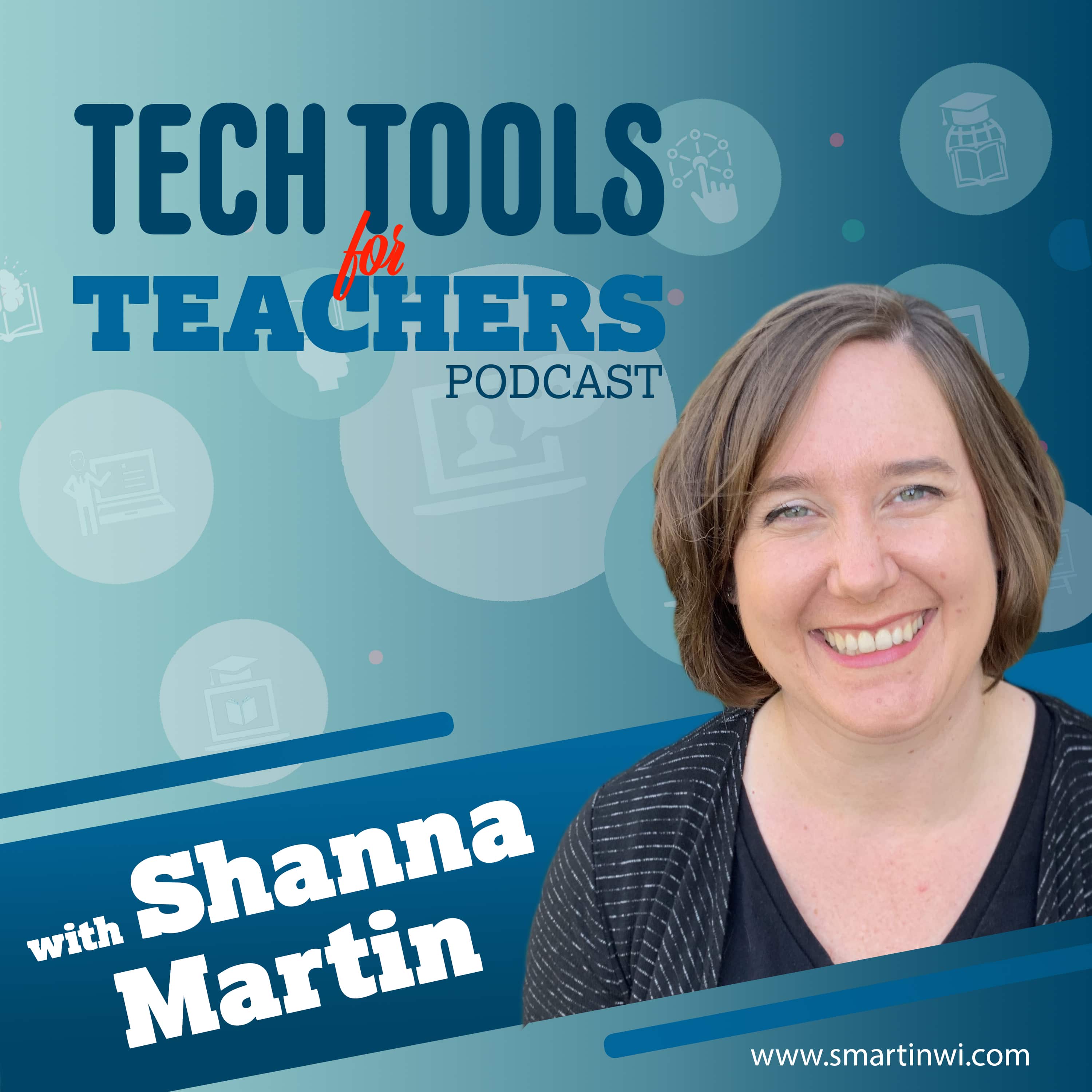
Shanna Martin
Tech Tools for Teachers
The Tech Tools for Teachers Podcast is hosted by Shanna Martin, an instructional and technology coach focused on helping you find and understand free educational technology tools that you can use in your classroom. Free resources are available at smartinwi.com . This podcast uses the following third-party services for analysis: Podcorn - https://podcorn.com/privacy Podtrac - https://analytics.podtrac.com/privacy-policy-gdrp
Be sure to visit the podcast's website and support the creator: smartinwi.com
Where to listen?
Podcasts in the app Replaio Radio Coming soonPodcasts are coming to the app soon. Install now and be the first to see a whole new take on podcasts
 Install for free
Android almost 10M downloads · 4.8 rating
iOS soon
Install for free
Android almost 10M downloads · 4.8 rating
iOS soon
Episodes
Cloud-based 3D Design with Vectary 19.12.2022 14:25
This week's site will keep your students busy creating and designing for hours! (If you need to keep them busy for a while.) 😉 Vectary is a cloud-based 3D design site that runs in the cloud! That means you don't need to download anything... and it works on Chromebooks! Vectary - Create 3D interactive experiences for Web, Augmented Reality and Metaverse Find all of the tools we've discussed in the...
Sharing Stories with StoryMap 12.12.2022 11:50
We're always looking for different way for students to share their knowledge. This week, we found a cool site that does just that! StoryMap is a fun way for kids to tell a story or share their research without spending a ton of time playing with extras. Create timeline maps that can be used in many different content areas and will work for most students from 4th grade and up! StoryMap JS Find all...
Zorbi & Postlight Reader Chrome Extensions 05.12.2022 16:39
Who wants to make learning a tiny bit easier? This week we have two Chrome Extensions that help streamline everyday educational tasks! They are quick, helpful and can be used in any content area! Zorbi Postlight Reader Find all of the tools we've discussed in the EdTech Directory: https://smartinwi.com/edtech-directory/ Get in touch: https://smartinwi.com https://www.twitter.com/smartinwi https://...
What Can You Do with Vocaroo? 21.11.2022 6:32
It's Thanksgiving week in the U.S. We have a mini episode for you! Vocaroo is a super simple website for any age student to use! Go to Vocaroom.com, click the record button. Then click the red button to stop and share it! You can have students create QR codes to add a voiceover to a project or you can have them share the link. It is super easy to use and fun! Listen to find out how many fun ways S...
Sites that Make Reading Fun! 14.11.2022 12:42
It's reading time! Depending on the grade level and content that you teach, reading looks very different. So, this week I have two reading tools that have very different purposes. On this episode, we explore Teach Your Monster and ReadWorks. ReadWorks Teach Your Monster Find all of the tools we've discussed in the EdTech Directory: https://smartinwi.com/edtech-directory/ Get in touch: https://smar...
Creating Fancy Forms with Typeform & Jotform 07.11.2022 15:46
Now that we are back in the swing of things let's talk about student projects. 😍 A lot of the teachers I work with love to build projects into their lessons and are looking for quick ways to have students share information. We love to have our students be creative but also need them to not spend tooooo much time with their project. The two tools we are chatting about this week are great for profe...
Identifying Credible Information with Checkology 31.10.2022 15:36
I am super excited to chat about Checkology, this week! Checkology is a tool from the nonpartisan News Literacy Project designed to support educators with lessons on media literacy. They have all kinds of topics from journalism to arguments and evidence. They also have additional resources that you and your students can use in the classroom! RumorGuard from the News Literacy Project News Literacy...
Creating Stories with My Storybook 17.10.2022 10:40
Many of the teachers I coach with are looking for new ways to engage their students in writing. That means I'm always on the lookout for easy sites students can use to create stories. This week, we chat about My Storybook, which is an easy, fun, and engaging way to create stories in your classroom! My Storybook Find all of the tools we've discussed in the EdTech Directory: https://smartinwi.com/ed...
Hour of Code 10.10.2022 13:17
Just take an hour, and code! I love to build coding into my classroom when ever possible. Coding skills help with so many other content areas and it's fun! The activities that students have access to now, are far beyond what the first coders were give to solve. They are fun, engaging and they don't even realize how much they are learning! Hour of Code, December 5-11, 2022 Find all of the tools we'...
Snappa and Adobe Express 26.09.2022 12:11
Now that we are back in the swing of the new school year, let's talk about student projects. 😀 A lot of the teachers I work with love to build projects into their lessons and are looking for quick ways to have students share information. We love to have our students be creative but also need them to not spend tooooo much time with their project. The two tools we are chatting about this week are g...
Genial.ly Updates 19.09.2022 13:57
I'm really excited to chat about Genial.ly this week! There have been so many improvements and upgrades since the last two episodes ( 2 & 50 ) on which we discussed Genially. The developers are definitely keeping educators in mind with these changes! There are great templates for digital posters, gamifying lessons, interactive images and so many more options. I'm happy to highlight a few with...
Using Spinner Wheel in Your Classroom 12.09.2022 11:27
Spinner Wheel is a fun and easy tool you can use in your classroom. We have talked about a variety of ways to use random number generators to randomly select students in past episodes ( Random Group Generators You'll Love ). However, Spinner Wheel works a bit differently. It has a lot of options compared to the tools we have chatted about in the past. Visit smartinwi.com to learn more! Spinner Whe...
September 11th Resources & Civics Across Content Areas 06.09.2022 20:10
We are back! Season 5 is finally here and I am so excited to share all kinds of free tech tools with you this season! I hope you had some time over the break to do what ever makes you happy. This season, I really am going to try to stick to the one or two tech tool rule...but not on the first episode. 😄 For those of us that hit the ground running on September 1st, it's a tough spot to be in when...
Virtual Vacations 18.07.2022 15:46
It's summertime! And while you might not have the time or gas money to travel the world, there are some great virtual tools that will help you feel like you're there! This week, we explore The Hidden Worlds of America's National Parks from Google Arts & Culture, as well as Virtual Roller Coasters via NSU's Virtual Stem for Kids. Roller Coasters - Virtual STEM for Kids - From the Library Guides...
Skill Support for Summer Break 06.06.2022 20:02
We're heading into summer! And we're on Episode 123 to round out the end of Season 4! 😄 Number geeks unite! On this episode, we share some awesome sites for students to review skills over the summer. These sites are easy-to-use during the school year, as well, but if you have families that would like a few ideas for keeping kids engaged and learning over the summer, these are really helpful! Scie...
Cloud-based CAD Software for Teachers & Students 16.05.2022 14:05
We're heading into one of the final weeks of our fourth season. This week, we're talking about Onshape. Onshape is an awesome (and free) CAD tool that is great for educators and students. OnShape allows you to create 3D designs and collaborate all in one space without having to download hefty files! Education Plan | Onshape Product Development Platform - Use the Onshape CAD program to teach your s...
KidsGardening - A Cool Gardening Site for Teachers & Students 09.05.2022 13:55
I hope thistle cheer you up! Spring is finally in the air around here and a little garden inspiration seemed to be in order. This week, we are chatting about an awesome site that gets kids interested in gardening and is loaded with resources for teachers! It's KidsGardening.org! KidsGardening.org - "KidsGardening supports the educators and caregivers bringing the life-changing benefits of gardenin...
Creating Music with Chrome Experiments 02.05.2022 15:50
Happy Teacher Appreciation Week! I know how hard teachers work and you are appreciated everyday! I thought we would experiment 😉 with some Chrome Experiments creative sound sites, this week. These are fun and easy to use. Today we explore: Keyboard - A simple musical keyboard you can play with your face, body, mouse, or keys. Sound Canvas - Make music while you draw! Sound Canvas turns your art i...
Teaching Science to Elementary Students 25.04.2022 18:26
t's Science time again! On this episode, we have some awesome tools to support K-5 classrooms! There are so many cool ideas packed in these websites. The two sites we chat about this week are great resources and can actually be used with older students as well. Let's explore! https://smartinwi.com/tools-for-teaching-science-to-elementary-students/ Ducksters Science Fair Project Ideas | Science Exp...
Creating Digital Books with Canva and Google Slides 11.04.2022 12:51
As we start to approach the end of the school year, it's a great time to create books of your students' work. This week, we'll walk through how to create digital eBooks using Canva. We'll also show you how to create eBooks using Google Slides. It's really easy to create stunning books that you can download, share digitally, or even print as keepsakes. Google Slides: Free Online Slideshow Maker | G...
Star Wars Excitement 04.04.2022 14:03
Star Wars! If you're a teacher who embraces May the 4th (be with you) as Star Wars Day, I thought I would share some fun sites to help your planning! These sites and activities can be built into a variety of subjects from math to art. So let's fire up those speeder bikes and check 'em out! Star Wars | Code.org - I have been using for a few years in my technology classes. My students really like to...
Teaching Kids with Toy Theater 21.03.2022 15:14
Beat boxing? Spirographs? Digital math manipulatives? We're having some fun this week! Join us as we talk about the fun online tool, Toy Theater! Toy Theater is a pretty well-known site for elementary school teachers, and it is a great tool to keep students engaged (even during indoor recess). Tech Mentioned on This Week's Episode: Toy Theater Find all of the tools we've discussed in the EdTech Di...
Fun Ways to Use the Desmos Graphing Calculator with Students 14.03.2022 15:01
This week, we're talking about the fun and popular math activities software, Desmos! Desmos is a free online graphing calculator that allows teachers to set up classes and assign different interactive graphing assignments to students. Desmos has useful and engaging algebra assignments of all kinds. Our algebra kids love to use Desmos to create! Doing a slope-intercept project? Give it a shot...
Writing Poems with Poem Generator 28.02.2022 21:49
It's poetry week and we have an awesome tool for you! Poem Generator allows students to appreciate poetry without getting frustrated. You just need to follow the directions and the poem generator AI helps you create a masterpiece. Have some fun creating poems and get your students writing! Tech Mentioned on this Podcast: Poem Generator Blackout Poetry Learn more at https://smartinwi.com/writing-po...
Teaching with Wordle! 14.02.2022 11:13
Everybody loves Wordle! On this episode, we explore the original Wordle and how you can use it in your classroom. We also explore Custom Wordle and a SlidesMania version of Wordle that will be a big hit in your classroom and on a SMART Board. View the post: https://smartinwi.com/teaching-with-wordle/ Tech Discussed in This Episode Wordle Custom Wordle SlidesMania Find all of the tools we've discus...
Similar podcasts







Listen to the Tech Tools for Teachers podcast in Replaio
Radio and podcasts in one app - free, with no sign-up. Install today and do not miss the launch
Replaio is not a podcast publisher; show names, artwork and audio belong to their authors and are distributed through public RSS feeds.